THE BUSINESS AI PLAYBOOK
AI for Dental Practices: Reduce Scheduling Back-and-Forth
Improve dental scheduling with AI that organizes appointment requests, respects patient privacy and prepares staff handoffs without giving clinical advice.
 Discuss with Oliver and his team
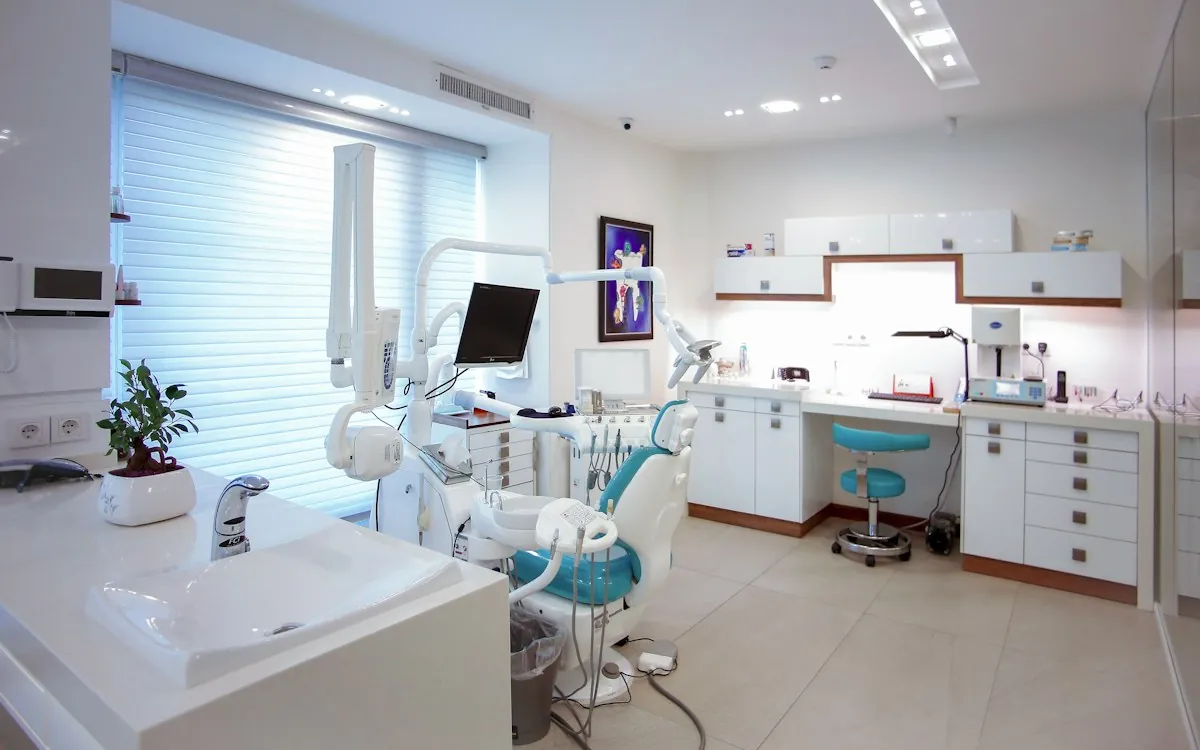
Dental practices can use AI for administrative scheduling: collecting appointment preferences, identifying missing booking information and preparing a front-desk handoff. Begin with routine appointment types and minimal patient data. Clinical questions, urgent symptoms, treatment recommendations and insurance interpretations need the practice’s approved staff process; an assistant should make that handoff clear rather than act as a clinician.
What to take away
- Keep administrative scheduling distinct from clinical triage.
- Use the practice system as the authority for appointment type and availability.
- Minimize patient information in messages and vendor integrations.
Choose a narrow appointment workflow
Start with a request such as rescheduling an existing routine visit. The assistant can collect preferred windows and contact information, then prepare options that match the practice’s booking rules. It should not select treatment length or decide which provider is clinically appropriate from a free-text description. Those rules come from the practice.
Separate requested, offered and confirmed appointment states. A slot displayed to a patient may be taken before they respond. Recheck availability at the moment of reservation and record the scheduling-system confirmation before sending a final message.
Design privacy into the smallest useful record
Use only the information needed for the administrative task, and review how each connected vendor handles patient information. HHS provides guidance on the HIPAA minimum-necessary standard and its exceptions; the practice’s privacy lead should determine the applicable handling rules. An AI scheduling workflow does not become compliant merely because a vendor uses the word “secure.”
Avoid placing detailed symptoms, treatment history or insurance documents in a general contact form. Give staff a secure approved path for information that requires it. Configure outbound reminders to use reviewed language and the patient’s documented communication preferences.
Worked example: a patient asks to move a visit
Hypothetical example: a patient replies to a reminder asking for an afternoon appointment next week. The assistant records the preference and checks the approved scheduling rules. If the appointment type cannot be moved automatically, it creates a front-desk task with available options and the original message. It does not cancel the current visit without the required confirmation.
The staff member verifies the change, reserves the new slot and sends a clear confirmation. If the patient adds a clinical concern, that part is routed through the practice’s clinical process instead of being answered by the scheduling assistant.
Measure patient experience, not just filled chairs
Test cancellations, duplicate patient records, shared family contacts, language differences and a scheduling system outage. Each failure should leave a clear task and preserve the patient’s current appointment unless an authorized change is completed. Give people an obvious way to reach staff.
Review a small sample with the front desk and the privacy lead before expanding. Track incorrect bookings and repeated contacts alongside response time. A faster process that confuses patients or creates clinical mismatches imposes work elsewhere in the practice. Keep the assistant’s role modest until accuracy is demonstrated.
FROM READING TO ACTION
Your first steps
- Select one routine administrative appointment request.
- Document appointment-type and provider rules.
- Review vendor access and patient-data handling with the practice lead.
- Require confirmed reservations before final messages.
- Test clinical-question handoff and scheduling-system failure.
What to measure
| Measure | How to track it |
|---|---|
| Scheduling touches | Staff interactions required to complete one routine appointment change. |
| Reservation mismatch rate | Patient confirmations inconsistent with the practice schedule divided by confirmations checked. |
| Escalation completion | Requests needing staff review that reach an accountable person within the practice’s chosen window. |
Common questions
Can the assistant answer questions about dental pain?
Keep clinical questions outside this administrative workflow. Route them to the practice’s approved clinical channel and make the limits of the scheduling service clear.
Can it explain insurance coverage?
It can collect an administrative question for staff, but should not promise coverage, patient responsibility or treatment approval from an unverified interpretation.
Sources & further reading
These sources provide background. The workflow designs are Palnau Systems implementation guidance; examples are illustrative, not reported client results. Product capabilities and requirements can change.
Prepared with AI assistance for business owners and managers. For a recommendation based on your actual systems and requirements, work directly with Oliver and his team.