THE BUSINESS AI PLAYBOOK
AI for Renewable Energy Installers: Qualify Projects with Better Evidence
Use AI to organize solar and energy project inquiries, collect site information and prepare survey handoffs without unsupported savings or eligibility promises.
 Discuss with Oliver and his team
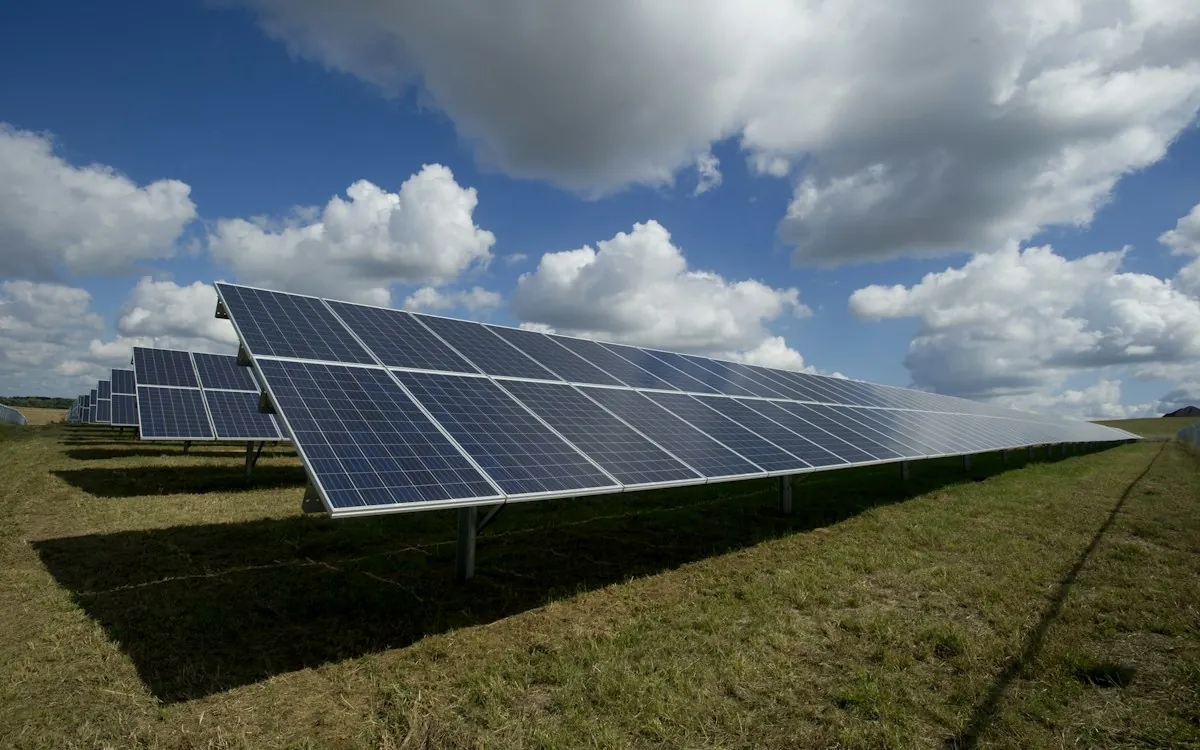
An AI qualification assistant should collect the information needed for a credible site review: location, project goals, ownership or permission context, usage records and relevant property details. It can organize documents and prepare questions, but technical suitability, production estimates, financing terms and incentive eligibility need the appropriate verified analysis. Start by improving the handoff from inquiry to survey.
What to take away
- Collect site and usage evidence before discussing a tailored installation proposal.
- Separate preliminary screening from engineering and financial conclusions.
- Keep incentive and savings statements tied to current verified sources and assumptions.
Define a useful first conversation
A prospect may ask “Can solar lower my bill?” when the practical next step is gathering the utility bill, property details and intended outcome. Create a short intake that explains why each item matters. Avoid requesting sensitive information that is unnecessary for the initial screening stage.
Distinguish residential and commercial workflows, and record whether the prospect owns or controls the property. The assistant should identify missing permission or site information without assuming the answer. Department of Energy guidance describes the importance of evaluating the property and the installation process; your workflow should support that review rather than skip it.
Prepare the survey team
Extract only clearly stated values from approved documents and show the source. Utility usage periods, account details and site addresses can be misread, especially in scanned bills. Have a reviewer confirm the relevant fields before they feed a proposal or technical model.
Create a survey brief containing the customer’s goals, known property facts, unanswered questions and required next checks. Do not turn a satellite image or customer photo into a definitive structural or electrical conclusion. Qualified personnel need to evaluate suitability through the company’s established process.
An illustrative commercial inquiry
Imagine a warehouse operator asks about rooftop solar but leases the property and supplies only one monthly utility bill. The assistant records the energy goal, flags ownership permission as unresolved and requests the usage history the sales engineer normally needs. It does not promise savings or assume the roof is suitable.
The project coordinator confirms the landlord process and schedules the appropriate assessment. The technical team later produces estimates using its validated tools and assumptions. The assistant helps explain those approved results without inventing a payback period or presenting a preliminary screen as a final design.
Keep changing commercial facts reviewable
Incentives, tariffs, financing terms and permitting processes can change. Store the verified source and review date for any claim used in customer communication, and route uncertain eligibility questions to the responsible specialist. A model’s remembered program details should never become a sales promise.
Use this brief: “Create a preliminary project brief from supplied site and usage documents. Cite extracted facts and list missing evidence. Prepare questions for a qualified reviewer. Do not determine structural suitability, guarantee production or savings, or assert incentive or financing eligibility.”
FROM READING TO ACTION
Your first steps
- Choose one installation type and service territory.
- Define the minimum site and usage evidence for screening.
- Set review owners for technical, financial and incentive statements.
- Test scanned bills, leased properties and incomplete usage history.
- Create a survey-ready handoff with clear unresolved questions.
What to measure
| Measure | How to track it |
|---|---|
| Survey-ready lead rate | Measure inquiries that reach the agreed evidence threshold before a survey is scheduled. |
| Document rework | Count corrections or repeated requests caused by missing or misread intake information. |
| Unsupported promise count | Audit customer messages for savings, production or eligibility claims without approved analysis. |
Common questions
Can AI calculate a payback period?
It can help explain a calculation from validated inputs, but the estimate depends on system cost, production, tariffs, financing and other assumptions. Use the responsible team’s approved model and clearly state uncertainty.
Should the assistant mention incentives?
Only with current, verified information and appropriate qualifications. It should distinguish a potentially relevant program from confirmed eligibility and route project-specific determinations to the designated specialist.
Sources & further reading
These sources provide background. The workflow designs are Palnau Systems implementation guidance; examples are illustrative, not reported client results. Product capabilities and requirements can change.
Prepared with AI assistance for business owners and managers. For a recommendation based on your actual systems and requirements, work directly with Oliver and his team.