THE BUSINESS AI PLAYBOOK
AI for HVAC Companies: Better Intake Before the Truck Rolls
Improve HVAC service intake with AI that collects equipment details, prepares dispatch records, and helps your team protect capacity during busy seasons.
 Discuss with Oliver and his team
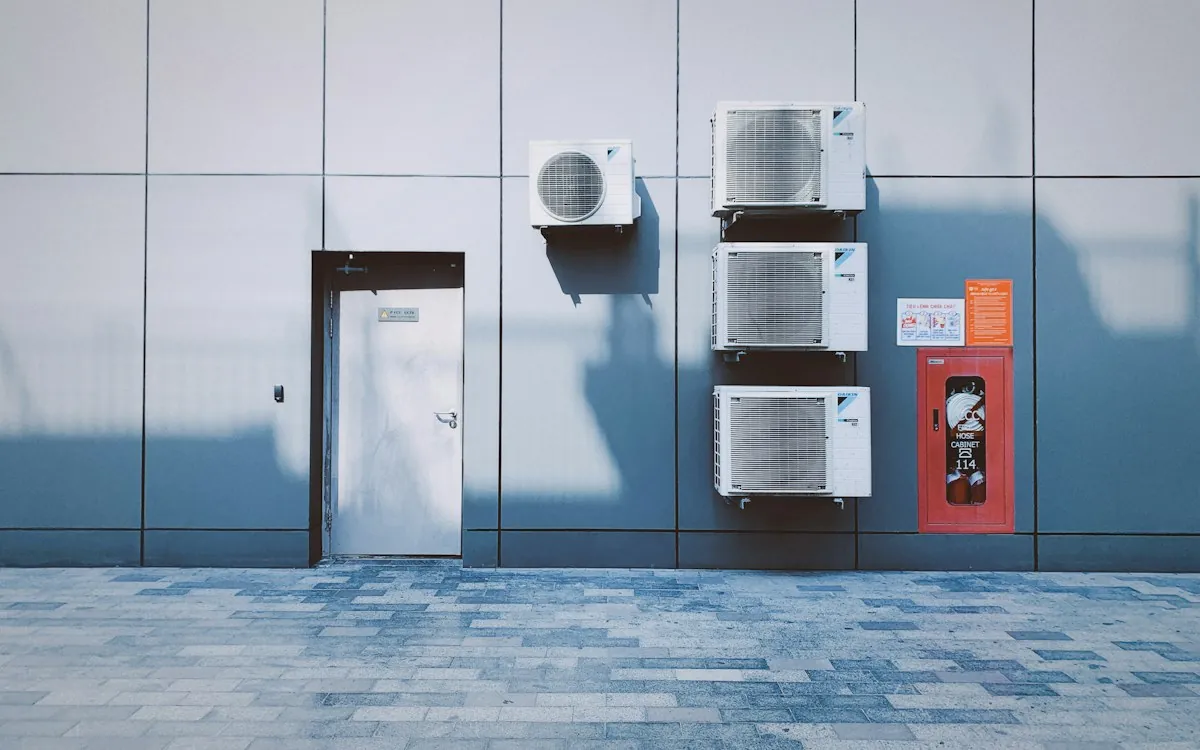
An HVAC intake assistant should gather useful service information, check existing customer and equipment records, and prepare a dispatch-ready request. Its value is a better handoff to the dispatcher, not a diagnosis. Separate routine maintenance, replacement inquiries and urgent service concerns, then apply your approved escalation rules and real scheduling capacity before confirming an appointment.
What to take away
- Gather the information that changes dispatch preparation.
- Distinguish a request for service from a confirmed appointment.
- Keep diagnosis, emergency judgment and equipment selection with qualified people.
Define what makes a call dispatch-ready
A dispatcher needs the service address, callback number, customer-reported issue, equipment location, access constraints and relevant service history. Equipment make or model may help if the customer can safely read it, but it should not block the request. Never encourage a customer to open equipment or enter an unsafe location to satisfy a form.
Create separate fields for what the customer reported and what your technician previously verified. “Customer says the unit is leaking” is different from a confirmed technical finding. That separation prevents a summary from turning an uncertain symptom into a diagnosis.
Route requests around actual capacity
Use your service system as the authority for appointments, territories, technician skills and promised windows. The assistant can prepare options, but the booking operation must check availability again before reserving a slot. Maintenance customers, commercial agreements and new residential prospects may have different service commitments; reference the current agreement rather than guessing priority from customer size.
Build a visible escalation queue for incomplete addresses, reported safety concerns and requests outside the approved service area. A failed integration should leave a callback task and a clear customer message. It should never silently pretend a truck is on its way.
Worked example: a repeated no-cooling request
Hypothetical example: an existing customer requests service after an earlier visit. The assistant locates the address and prior work order, preserves the customer’s description, and flags the request as a possible return visit for dispatcher review. It does not promise that the work will be covered, blame the previous technician, or diagnose the cause from a chat.
The resulting handoff includes the prior work order link, the new symptom in the customer’s words, preferred contact method and access notes. A dispatcher chooses the assignment, while a technician decides what the equipment needs. This can also reveal process gaps in the earlier service documentation.
Test peak-day failure modes before launch
Replay busy-day scenarios: duplicate calls from one household, a slot that disappears mid-conversation, an incorrect address, an unavailable technician and a customer who stops responding. Confirm that each request has one owner and that duplicate messages do not create duplicate jobs. Keep a short approved response for situations requiring immediate human attention.
Begin with one intake channel and a limited territory. Review preparation quality with technicians, not only the office. If technicians still need to recollect everything onsite, the intake is collecting the wrong details. Expand only after service records, confirmations and escalation behavior are dependable.
FROM READING TO ACTION
Your first steps
- List the fields dispatchers genuinely use before assignment.
- Separate customer symptoms from verified service findings.
- Connect read access to equipment history and current agreements.
- Require availability checks before appointment confirmation.
- Test duplicate requests and unavailable scheduling systems.
What to measure
| Measure | How to track it |
|---|---|
| Dispatch-ready rate | Requests containing all required administrative fields divided by requests received. |
| Intake rework | Average dispatcher minutes spent correcting or completing a request. |
| Booking accuracy | Confirmed appointments matching service-system reservations divided by confirmations sent. |
Common questions
Can the assistant troubleshoot an HVAC problem?
For an initial business workflow, keep it focused on collecting symptoms and approved administrative guidance. Technical instructions and safety-sensitive situations should follow your qualified team’s reviewed process.
Can it book maintenance visits automatically?
Potentially, within clearly defined service areas, appointment types and capacity rules. Start with a narrow routine visit type and verify every reservation against the scheduling system.
Sources & further reading
These sources provide background. The workflow designs are Palnau Systems implementation guidance; examples are illustrative, not reported client results. Product capabilities and requirements can change.
Prepared with AI assistance for business owners and managers. For a recommendation based on your actual systems and requirements, work directly with Oliver and his team.