THE BUSINESS AI PLAYBOOK
AI for Plumbing Businesses: Turn Missed Calls into Usable Service Requests
Organize plumbing inquiries with AI intake, callback queues and clear appointment status while keeping urgent decisions and repair advice with your staff.
 Discuss with Oliver and his team
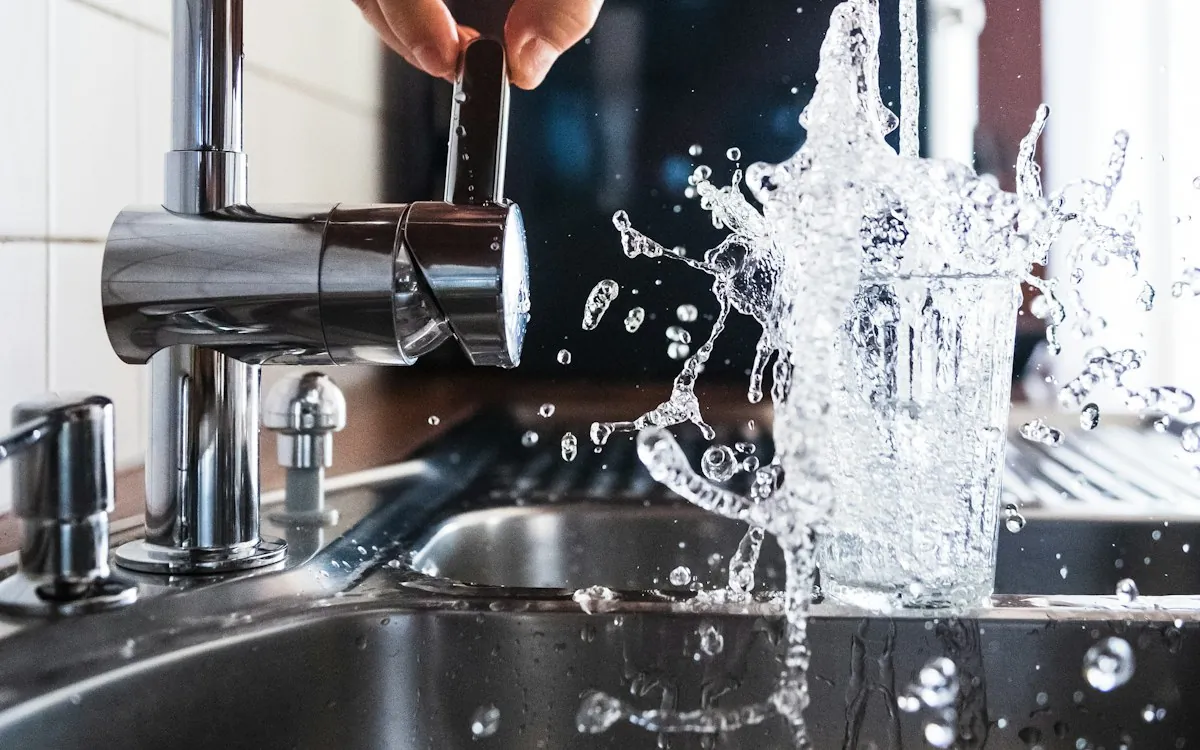
Plumbing businesses can use AI to convert fragmented calls, messages and web inquiries into a clear service request with an owner and next action. Collect the address, callback details, customer-reported problem and access constraints. Route urgent concerns through an approved human escalation path, and never confuse an acknowledgment with a confirmed arrival time or a repair diagnosis.
What to take away
- Use one request record across phone, text and website channels.
- Preserve the customer’s wording when summarizing a problem.
- Measure completed callbacks and accurate appointments rather than chat volume.
Replace the missed-call pile with a callback queue
The first useful automation is often a structured callback task. A voicemail may contain a name, apartment number and a vague description, while a later text adds a photograph. Combine those records cautiously using confirmed contact details. Show the originals so office staff can resolve uncertainty without searching three inboxes.
Define statuses that people can trust: received, needs callback, awaiting customer information, appointment proposed, confirmed and closed. A message saying “we received your request” should not mark the job confirmed. Every active record should have a responsible staff member and a due time appropriate to your coverage.
Ask for context without giving repair instructions
A useful intake can ask where the issue is reported, whether someone is available to provide access, and whether the location is a house, apartment or business. Avoid making customers follow AI-generated repair steps. Your team should define which words or circumstances require a direct transfer or an immediate callback.
For multi-unit properties, collect the authorized contact and unit location without assuming the person messaging can approve work for the owner. Keep tenant reports, property-manager instructions and approved spending limits separate. That prevents an urgent conversation from becoming an unauthorized service commitment.
Worked example: two messages about one property
Hypothetical example: a tenant submits a web request, then the building manager calls with different access information. The assistant identifies a possible match and asks office staff to confirm the shared service record. It preserves both accounts rather than overwriting one. The dispatcher sees the location, both contacts, the manager’s authorization status and the access conflict.
The useful output is a short handoff: “Possible duplicate reports for Unit 4B; access instructions conflict; manager callback required before confirming.” A simpler system might have booked two visits or sent a technician without approved access. The pilot should include exactly these ordinary administrative complications.
Grow from a supervised first response
Begin with draft acknowledgments and callback reminders during normal office hours. Review how the system handles spelling errors, ambiguous addresses, angry customers, out-of-area requests and attachments it cannot interpret. An assistant should say what information is missing rather than manufacture a complete job description.
Once the records are reliable, add constrained booking for routine services. Use current travel zones and time windows; avoid exact arrival promises unless dispatch supports them. Give staff a simple pause control for weather events, staff shortages or a sudden backlog. Automation should reflect the actual service operation.
FROM READING TO ACTION
Your first steps
- Map all channels that currently receive service requests.
- Agree on distinct received, proposed and confirmed statuses.
- Write an escalation script for staff review.
- Require verified access and authorization information for managed properties.
- Test one property reported by several contacts.
What to measure
| Measure | How to track it |
|---|---|
| Callback completion | Callback tasks completed within the chosen service window divided by tasks due. |
| Duplicate-job rate | Unintended duplicate work orders divided by service requests. |
| Access-related wasted visits | Visits unable to proceed because of missing access or authorization information. |
Common questions
Should an AI answer every after-hours call?
Only if the service promise, escalation coverage and fallback are clear. A system that collects messages without available escalation must describe itself as intake, not emergency dispatch.
Can it tell customers a repair price?
It can retrieve an approved published fee when conditions match, but uncertain scope belongs with your staff. Do not generate a binding repair total from a short description.
Sources & further reading
These sources provide background. The workflow designs are Palnau Systems implementation guidance; examples are illustrative, not reported client results. Product capabilities and requirements can change.
Prepared with AI assistance for business owners and managers. For a recommendation based on your actual systems and requirements, work directly with Oliver and his team.